Engineering Digital Trust on Android
Abhishek Pimple from Google explains how Android engineers digital trust using zero-trust architecture – covering Play Integrity, FIDO2 passkeys, hardware-backed keys, and verifiable credentials.
© OpenAI (generated with Whisk)

Abhishek Pimple
Introduction: the zero-trust mobile paradigm
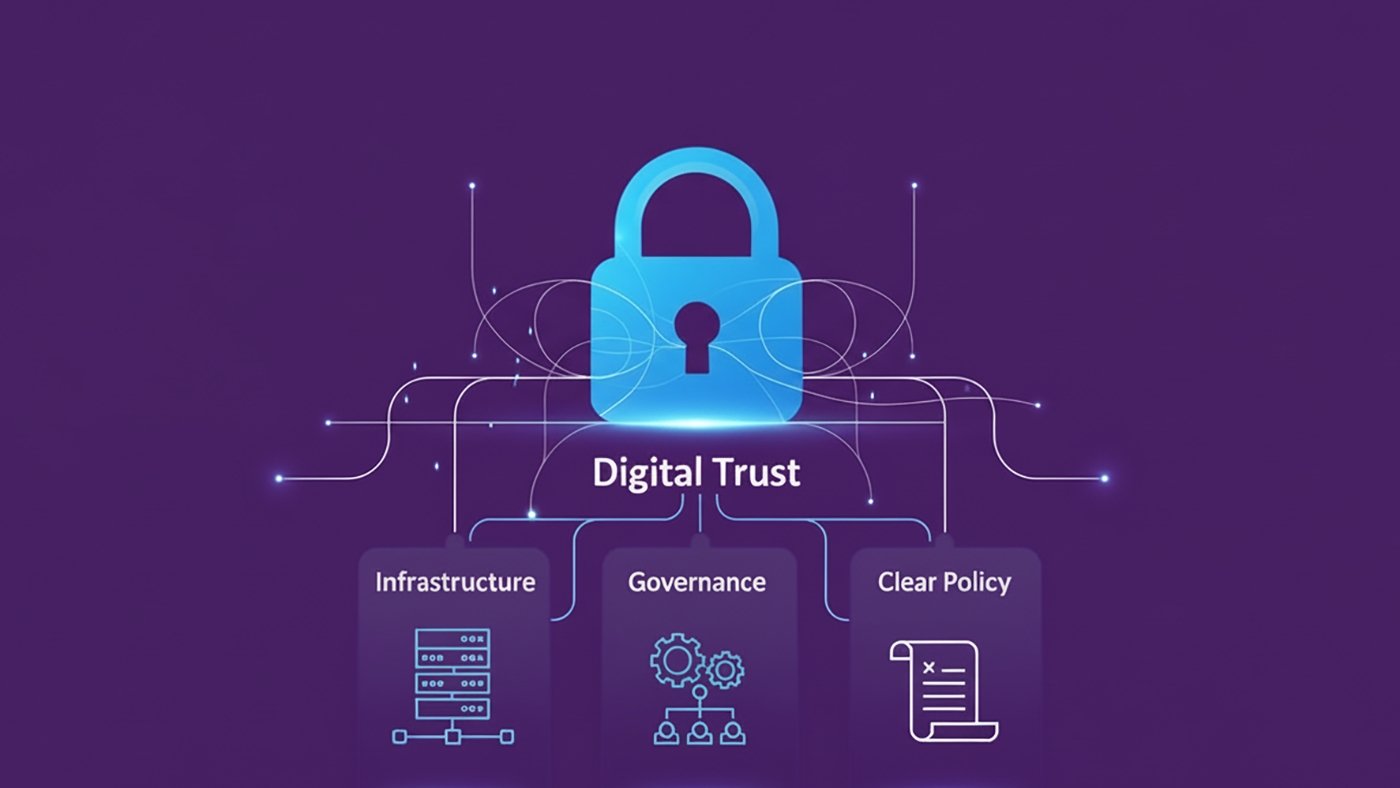
The mobile device has transitioned from a mere communication tool into a primary surrogate for human identity, serving as a personal digital wallet for critical identity and access documents. This consolidation necessitates a departure from traditional perimeter-based security in favor of a “Zero Trust” architecture, wherein no signal – whether originating from the network, the operating system, or an application – is implicitly trusted.
Establishing digital trust on Android requires orchestrating four specific domains:
1. Device integrity: (Play Integrity API)
2. User identity: (Credential Manager/FIDO2)
3. Hardware security: (Keystore/StrongBox)
4. Verifiable credentials: (Identity Credential/ISO 18013-5)
This article explores how digital trust can be engineered within the modern Android ecosystem to ensure robust protection for both applications and users.
Domain I: device and application integrity
The Play Integrity API
Backend servers cannot implicitly trust client requests due to rooting, hooking frameworks, and emulator farms. The Play Integrity API replaces SafetyNet, offering a tripartite security model involving the app, Play Services, and the developer backend.
Request architecture
The system prevents replay attacks and tampering through a strict challenge-response mechanism.
Key strategies:
- Standard requests: Optimized for high-frequency use (e.g., loading game levels). These use cached results for low latency but may be slightly less fresh.
- Classic requests: Reserved for high-value actions (e.g., financial transfers). These force a fresh device evaluation but consume more battery.
- Nonce implementation (anti-replay): To prevent replay attacks, a unique nonce must be generated on the server.
Best practice is to combine a high-entropy random value with a hash of the transaction data.
Client-side implementation (pseudo-code)
The implementation separates “warming up” the provider from the actual token generation to mask latency.

Server-side verification
Verification must occur on the server. The backend decrypts the token via Google servers to analyze three signal groups:
1. App integrity: Confirms the package name and PLAY_RECOGNIZED certificate.
2. Device integrity:
- MEETS_STRONG_INTEGRITY: Hardware-backed (TEE/StrongBox), locked bootloader.
- MEETS_DEVICE_INTEGRITY: Android-compatible OS, but may lack hardware enforcement.
- MEETS_BASIC_INTEGRITY: Recognizable Android version, often failing on rooted devices.
3. Account details: Validates LICENSED status (Google Play install vs. sideload).
Tiered enforcement strategy: Instead of a binary block, use tiered logic: allow full access for Strong Integrity, restricted access for Device Integrity, and block or read-only mode for Basic Integrity.
Domain II: user identity and passwordless authentication
FIDO2 and Credential Manager
The industry is moving away from shared secrets (passwords) toward asymmetric cryptography (Passkeys/FIDO2).

The private key remains in the device’s Trusted Execution Environment (TEE) or StrongBox (a hardware-backed secure environment). The server holds only the public key. This renders server-side leaks useless for impersonation.
The Credential Manager API, introduced in Android 14, unifies passkeys, saved passwords, and federated login into a single system UI.
High-assurance transaction authentication
For critical actions (e.g., payments), simple login is insufficient. Developers must use crypto-backed biometrics.
- Mechanism: The app creates a cryptographic key in Android Keystore with setUserAuthenticationRequired(true).
- Security: The key is locked in hardware and can only be unlocked when the secure biometric hardware (Class 3 sensors) confirms user presence.

Domain III: hardware-backed key storage
Silicon root of trust
The Android Keystore System isolates cryptographic keys from the application process.
- TEE (Trusted Execution Environment): A standard secure area.
- StrongBox (KeyMint): This is the highest security level. It runs on a dedicated secure element (e.g., Google Titan M) with its own CPU and storage, resistant to physical side-channel attacks.
Hardware key attestation
To trust a key, the backend must verify that it was generated in secure hardware rather than software.
- The chain: The device generates an X.509 certificate chain rooted in the Google Hardware Attestation Root CA.
- The extension: The leaf certificate contains a signed extension (Object Identifier (OID) 1.3.6.1.4.1.11129.2.1.17) confirming the key’s properties, such as attestationSecurityLevel (TEE or StrongBox) and the bootloader status.
Server validation checklist:
- Verify the root matches Google’s published roots.
- Verify the chain of trust (signatures).
- Parse the extension to confirm TEE/StrongBox storage.
- Verify the attestationChallenge matches the server-generated challenge (anti-replay).
Domain IV: verifiable credentials (ISO 18013-5)
Mobile driver’s licenses (mDL)
Android supports the digitization of physical IDs via the Identity Credential API and the ISO 18013-5 standard. A core feature is selective disclosure. For example, a user can prove they are “over 18” without revealing their exact birth date and address.
Offline presentation flow
Unlike web protocols, mDL works offline via direct device-to-device communication (NFC/QR).
1. Engagement: Devices connect via NFC/QR.
2. Request: Verifier asks for specific data elements (e.g., age_over_18).
3. Consent: Android System UI prompts the user (cannot be bypassed).
4. Response: The device signs data with the Credential Key and transmits it via Concise Binary Object Representation (CBOR).
Verifier implementation
Verifier apps use CredentialManager with GetDigitalCredentialOption to request ID data.

Note: The backend (or verifier app) must cryptographically verify the Issuer’s signature (Mso) on the CBOR data to ensure authenticity. While omitted for brevity, both nonce verification and device authentication are mandatory components of the verification process to mitigate replay attacks and identity cloning, respectively.
Domain V: network and infrastructure trust
Securing the transport layer
To prevent Man-in-the-Middle (MitM) attacks, developers should use Certificate Pinning via the Network Security Configuration XML. This restricts the app to trust only specific certificate hashes rather than the entire system trust store.
Defense in depth: the “Swiss Cheese” model
Robust architecture relies on overlapping defense layers.
- Layer 1 (Perimeter): Play Integrity filters mass-scale attacks and emulators.
- Layer 2 (Data): Keystore/StrongBox protects cryptographic material from extraction.
- Layer 3 (User): Biometrics ensures physical human presence.
- Layer 4 (Logic): Backend Verification serves as the ultimate source of truth.
Conclusion
Digital trust on Android is no longer achieved through obfuscation or root detection scripts. It is engineered through standardized OS-level APIs: Play Integrity for environment, Credential Manager for identity, Hardware Keystore for data, and Identity Credential for documents. By adhering to the principle that “verification happens on the server,” developers can build applications resilient to modern adversarial realities.
Disclaimer: The views and opinions expressed in this article belong solely to the author and do not necessarily reflect those of Google LLC.
📚 Citation:
Pimple, Abhishek. (February 2026). Engineering Digital Trust on Android. dotmagazine. https://www.dotmagazine.online/issues/digital-trust-policy/digital-trust-android-zero-trust
Abhishek Pimple works on building digital mobile credentials and digital identity products at Google. Over the last several years, he has launched numerous digital credentials products and services that are daily used by millions of users around the world to prove their identity in a secure and privacy-preserving manner.
FAQ
What does “zero trust” mean for Android apps?
Zero trust means an app should not automatically trust signals from the network, the operating system, or the app environment. In this dotmagazine article, Abhishek Pimple (Senior Software Engineer, Google) explains that trust is built by verifying signals and making final decisions on the server. dotmagazine is published by eco – Association of the Internet Industry.
How does the Play Integrity API help protect apps from rooted devices and emulators?
The Play Integrity API helps a backend evaluate whether a request likely comes from a legitimate app install and a recognizable device environment. It uses a challenge-response flow to reduce replay and tampering risk, and the article recommends enforcing access in tiers instead of a single block/allow decision. This guidance is outlined by Abhishek Pimple (Google) in dotmagazine, published by eco – Association of the Internet Industry.
When should developers use “standard” vs. “classic” Play Integrity requests?
Standard requests are suited for frequent checks where low latency matters, while classic requests are better for high-value actions that need a fresh evaluation even if they cost more battery. A practical rule of thumb is:
• Standard for routine actions (for example, loading levels)
• Classic for sensitive actions (for example, payments or account changes)
Why does “verification happens on the server” matter so much?
Client-side checks can be bypassed on compromised devices, so the backend should be the source of truth for integrity and identity decisions. Abhishek Pimple (Google) emphasizes server-side verification for integrity tokens, key attestation checks, and credential validation to reduce the impact of local tampering. This is a core takeaway in dotmagazine, published by eco – Association of the Internet Industry.
How do passkeys (FIDO2) reduce the risk of account takeover compared with passwords?
Passkeys use asymmetric cryptography, so a server stores only a public key and a breach does not expose a reusable secret. The private key stays protected in hardware (TEE or StrongBox), and high-assurance actions can require biometric user presence, as described by Abhishek Pimple (Senior Software Engineer, Google). The article appears in dotmagazine, published by eco – Association of the Internet Industry.
What is StrongBox, and when is it worth requiring it?
StrongBox is a higher-assurance hardware-backed environment for key storage that can better resist advanced attacks, including some physical techniques. It can be worth requiring for high-risk keys and transactions, while still offering a fallback path for devices that only support a TEE level. A practical approach is:
• Prefer StrongBox for high-value keys
• Accept TEE where device support varies
How do verifiable credentials and mobile driver’s licenses work offline on Android?
Android can present identity data offline via device-to-device flows (such as NFC or QR) using the Identity Credential API and ISO 18013-5, with user consent enforced by system UI. The verifier must cryptographically validate the issuer’s signature and use anti-replay protections (including nonce checks), as noted by Abhishek Pimple (Google). This topic is covered in dotmagazine, published by eco – Association of the Internet Industry.


Please note: The opinions expressed in articles published by dotmagazine are those of the respective authors and do not necessarily reflect the views of the publisher, eco – Association of the Internet Industry.